

Connect Picsart Creative APIs MCP to VS Code
This step by step guide shows how to connect Picsart MCP to VS Code (Copilot).
Picsart Creative APIs MCP v1This page documents Picsart Creative APIs MCP v1. We strongly recommend exploring the new Picsart MCP and CLI documentation for broader generative AI functionality, and the Picsart API Platform for the new API and SDK.
Know the basics
We assume that you have previously checked out What is MCP and Picsart Creative APIs MCP to learn about the basics of MCP, how to connect, and not only.
How to Connect
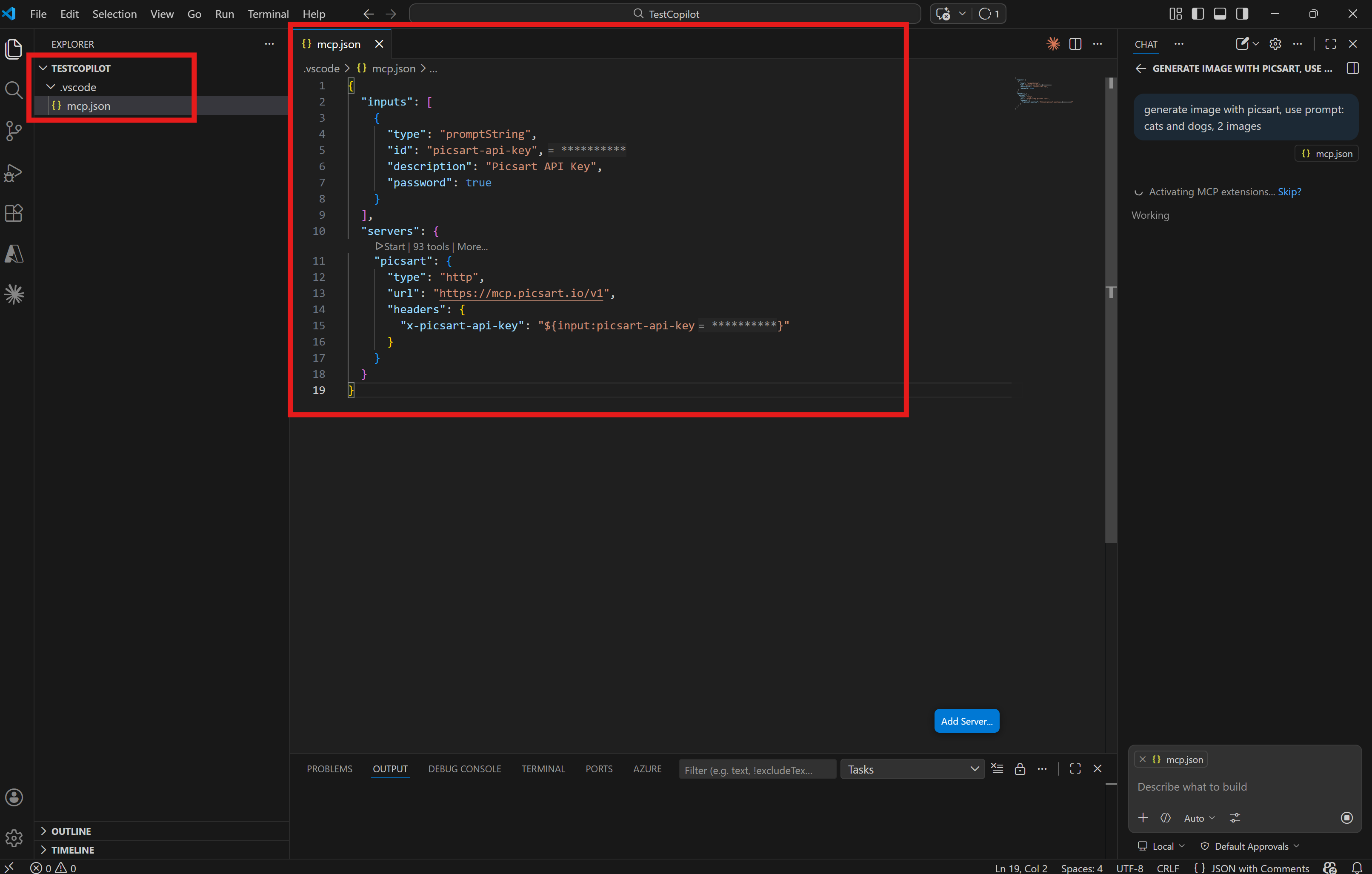
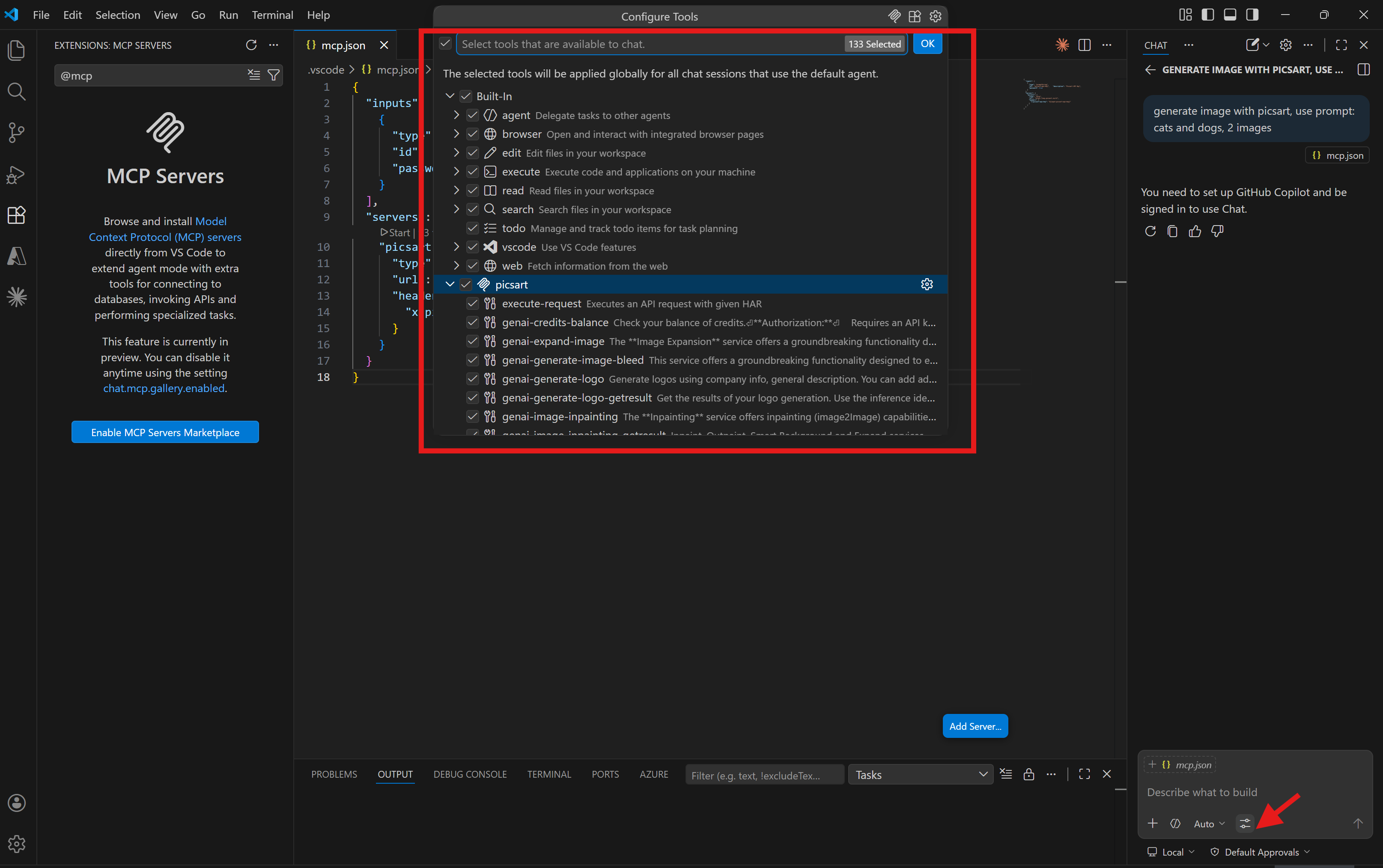
Add a new file to your project configuration ~/.vscode/mcp.json:
    {
      "inputs": [
        {
          "type": "promptString",
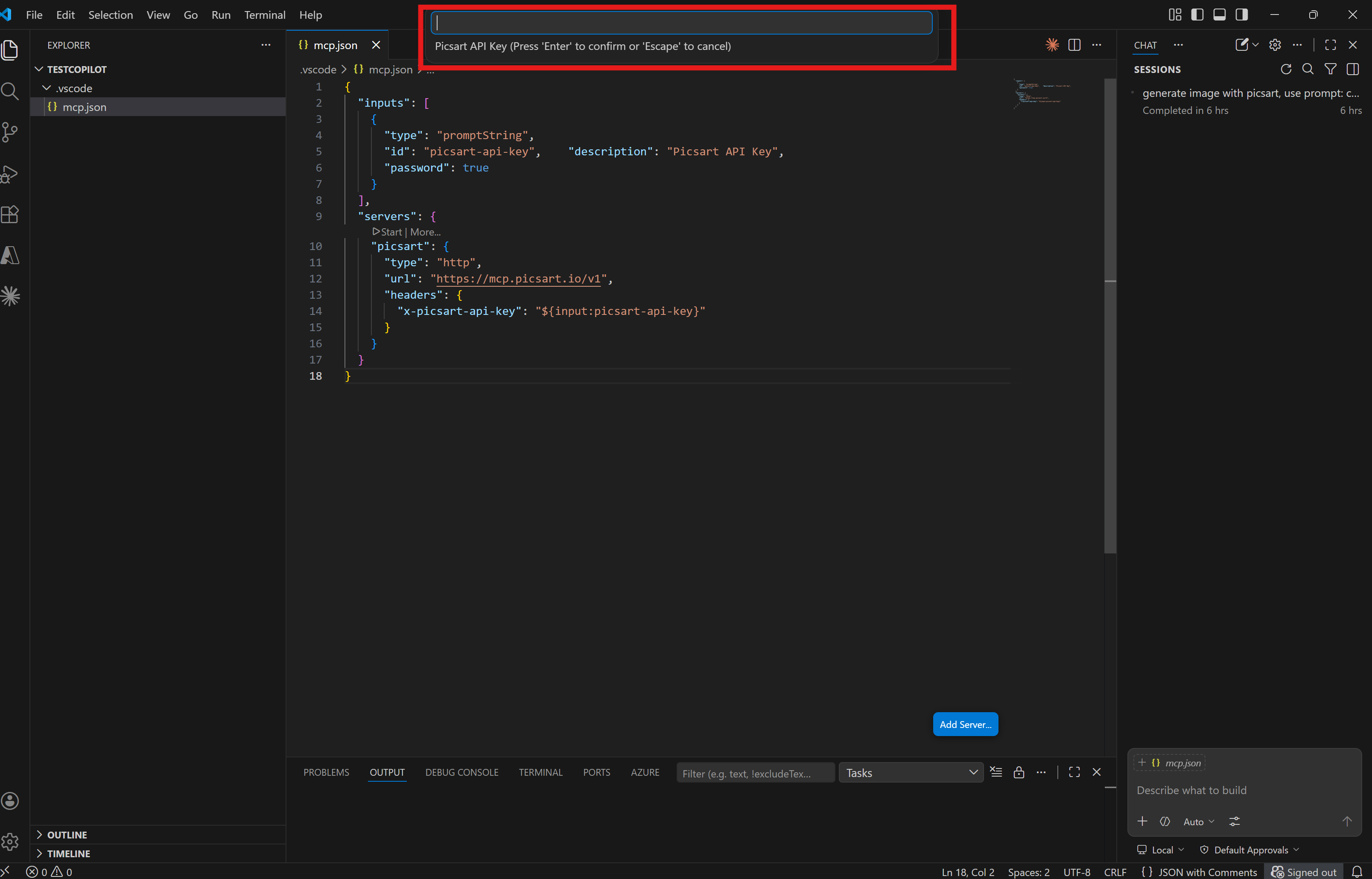
          "id": "picsart-api-key",
          "description": "Picsart API Key",
          "password": true
        }
      ],
      "servers": {
        "picsart": {
          "type": "http",
          "url": "https://mcp.picsart.io/v1",
          "headers": {
            "x-picsart-api-key": "${input:picsart-api-key}"
          }
        }
      }
    }
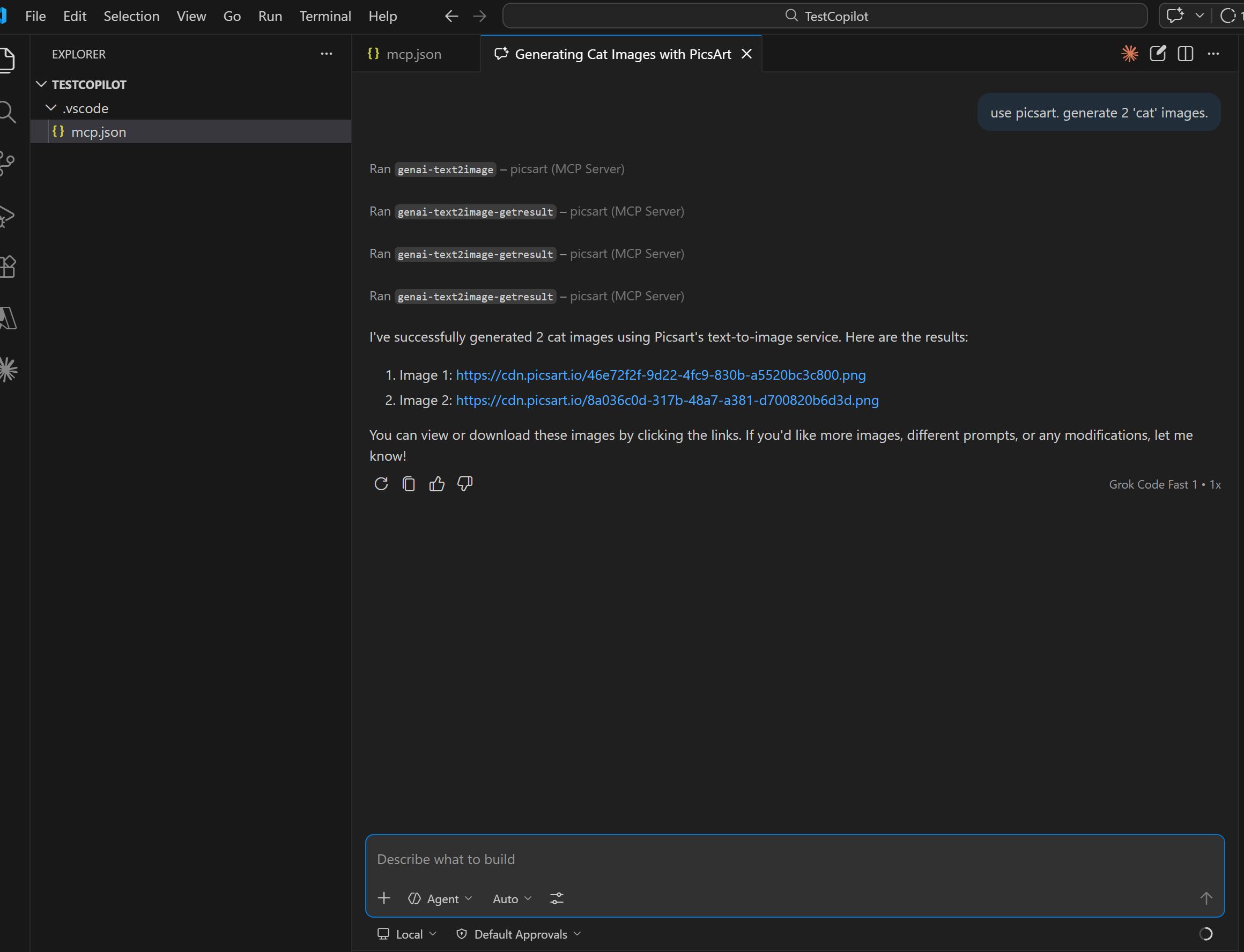
Guided Tour
Updated 24 days ago
Did this page help you?